

The Shapie Journal
Identify your canvas controller first. For The Shapie’s standard Bluetooth version, power the artwork, turn on Bluetooth and open ZENGGE. Once you can change brightness in the app, test an on and off schedule a few minutes ahead.
A lighting schedule runs at selected times and on selected days. The standard remote’s shut-off timer counts down from the moment you set it. The Shapie also documents a separate WLED setup for compatible controllers. Official user manual
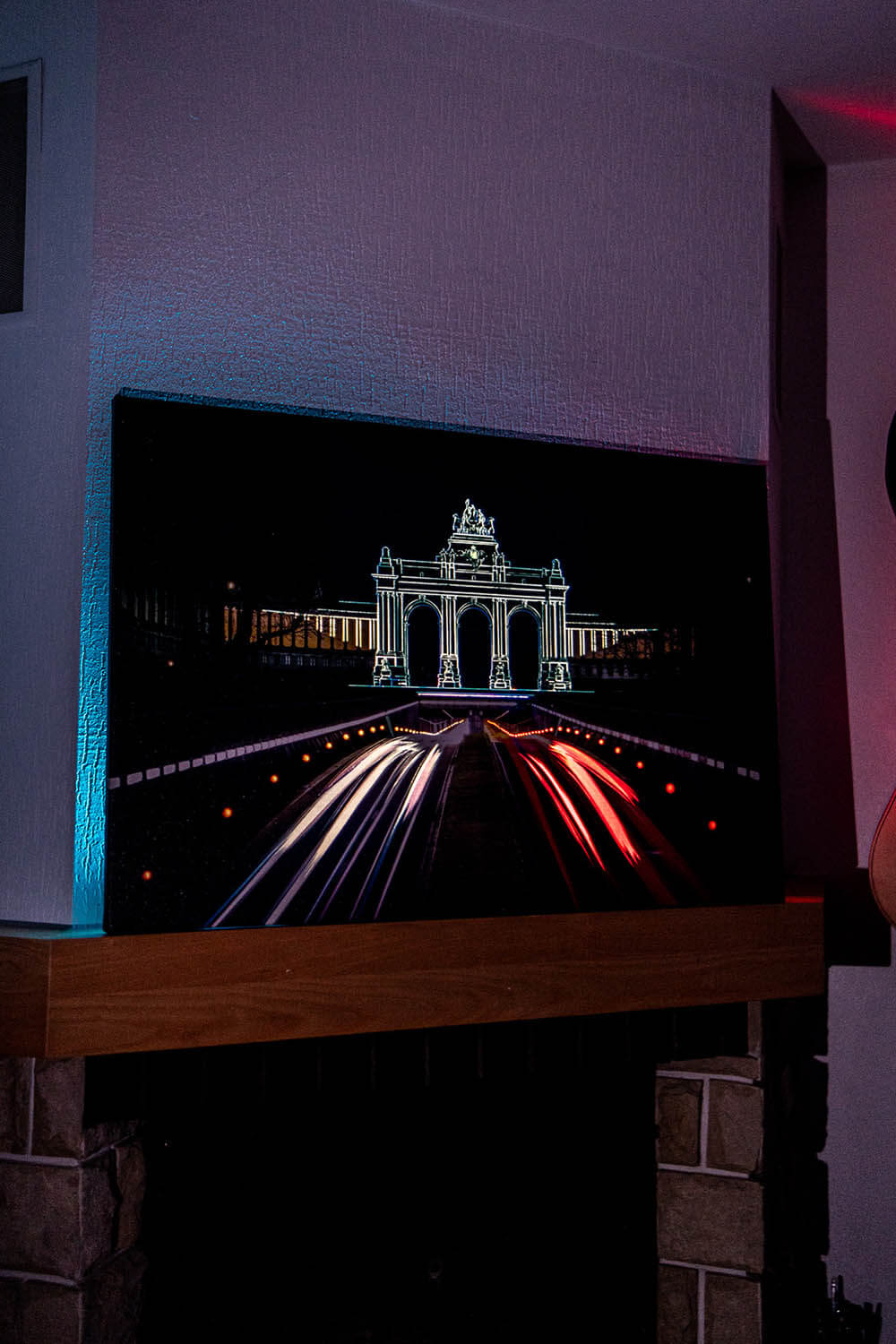
Which controller do you have?
| Controller | What to use | What to check first |
|---|---|---|
| Standard Bluetooth | ZENGGE app and the supplied remote | The artwork responds to a brightness change in the app. |
| WLED-equipped artwork | The WLED instructions for your model | Confirm the controller type and follow its network setup. |
How do you confirm the phone is controlling the canvas?
- Charge or connect the artwork as described in its instructions.
- Enable Bluetooth and launch ZENGGE for the standard controller. Stay near the artwork during setup.
- Select the canvas if several appear. Change brightness once and check the actual light before adding a schedule.
How do you run a short timer test?
Choose today in the app and set an on time a few minutes ahead. Set a separate off time after it. Begin with the light off and keep the artwork powered during the test. Watch for both changes. Then set the times and days you actually want.
What if brightness works but the schedule doesn’t?
Check that you edited the correct device and selected today. Check the entered times and confirm the schedule is enabled. Test one on and one off event before adding more schedules. If the remote switches it off after a countdown, that confirms the remote timer separately.
Why test now?
A short test shows whether you have the right controller and settings while you’re beside the artwork. You can then choose an evening routine that suits when you use the room. The Shapie user manual
Frequently asked questions
Do all The Shapie paintings use ZENGGE?
Use ZENGGE for the standard Bluetooth version. Follow the separate instructions if your artwork has WLED.
Is the remote timer the same as an app schedule?
The remote timer can switch the light off after a delay. The standard app can schedule on and off times.
What if no device appears?
Check the artwork has power, Bluetooth is active and you are using the app for that controller.
What if I have several paintings?
Change brightness and watch which canvas responds before setting its schedule.
What should I send to support?
Share the model, controller or app and the result of the brightness and schedule tests.