

The Shapie Journal
How LED Canvas Wall Art Works: Power, App Control and Placement
A light painting is built around a daytime image. Integrated LEDs add a second view by lighting selected details, and a controller lets you adjust how you see them. How you power the canvas and where you hang it shape the experience just as much as the image.
Choose power for the wall you want
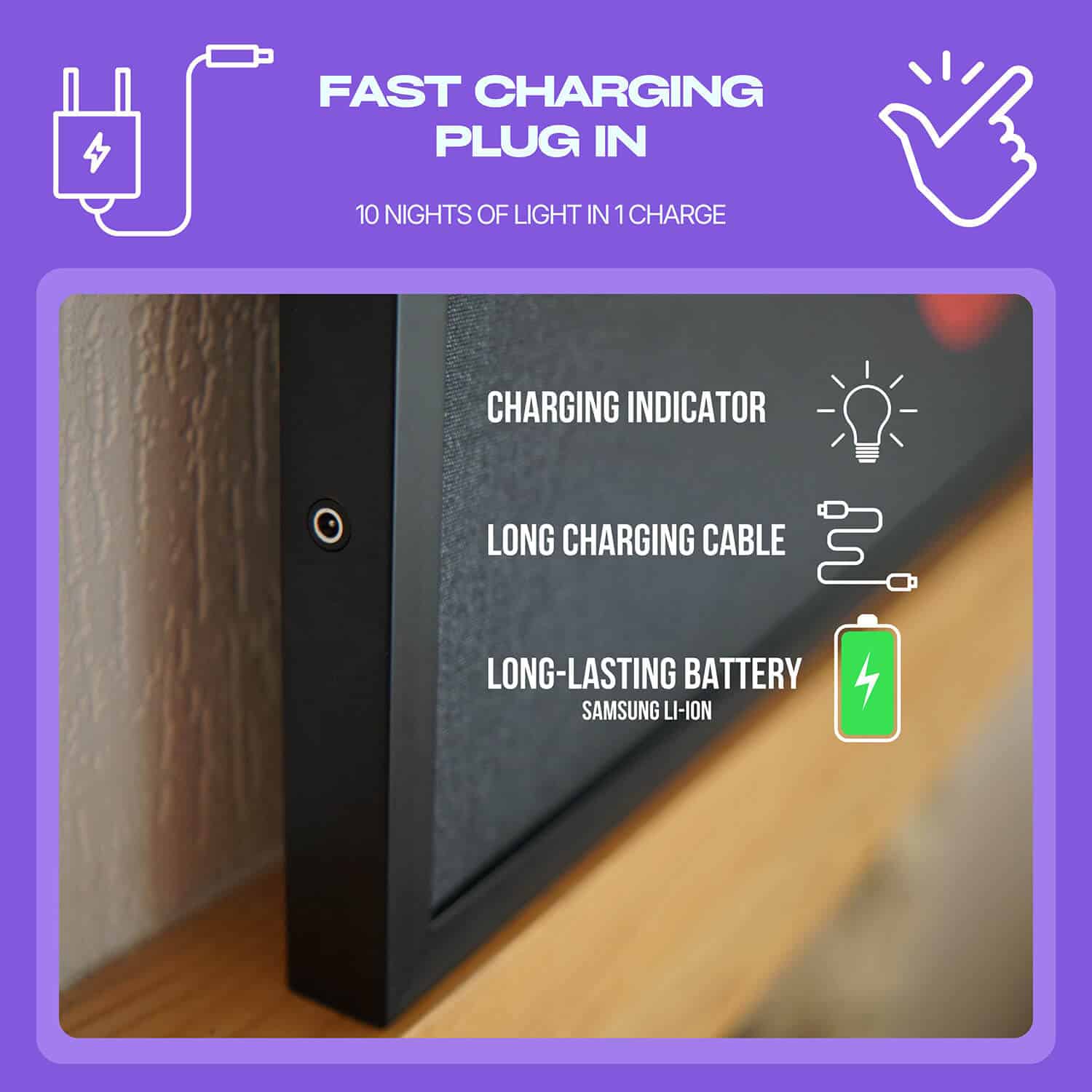
A wired canvas lights up while connected to its power supply. It makes sense for a fixed spot with an outlet and a practical route for the cable. With a rechargeable Shapie canvas, the battery sits inside the artwork. You can unplug the charging cable while the painting is lit and reconnect it when needed.
Picture the first time you will need to reach the charging port. If the artwork will hang above a tall cabinet, check that you can reach it comfortably. The battery and wired guide explains the two setups in more detail.
Use the app or remote for different moments
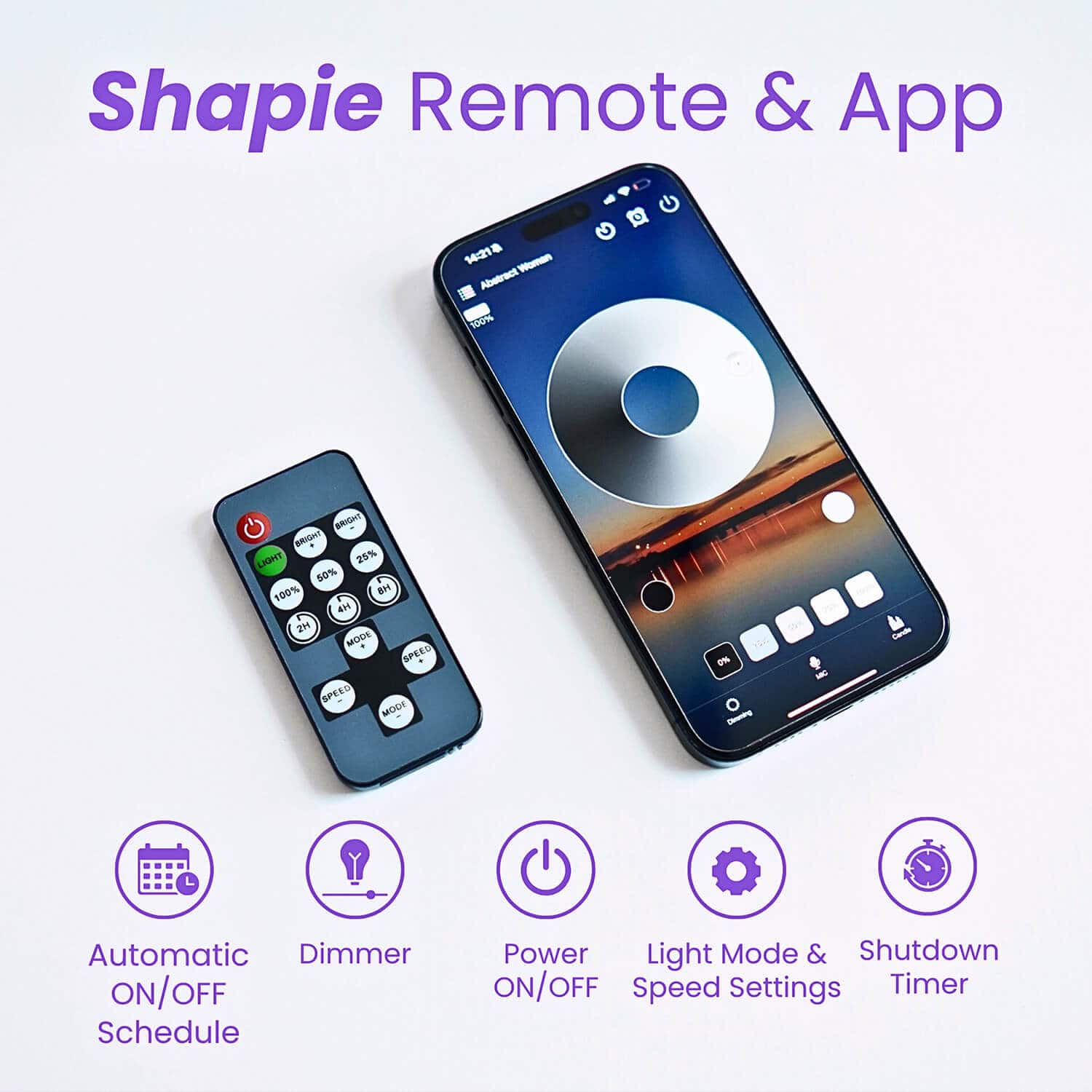
The Shapie’s standard Bluetooth app lets you adjust the brightness and set on and off times for selected days. That can suit an entryway where you want the art lit around the time you usually come home. The physical remote is handy when you are already sitting down and want to change the light or set a shutoff timer.
Once the painting is up, try the controls when the room is set as you actually use it. A setting that looks subtle with the ceiling lights on can feel much stronger when those lights are off. Use the usual seat or path through the room to judge the effect.
Let the wall and the artwork guide the setup
A side wall near a screen can keep a glowing canvas in view without bringing it into the centre of your attention. In a hallway, a position across from the door lets the illuminated design greet you when you walk in. Choose your usual viewing position first. Then decide whether the wired or rechargeable option makes that position easier to use.